About
Let’s take a brief look at what LG CreateBoard Lab is, highlighting its strengths and key features.
What is LG CreateBoard Lab?
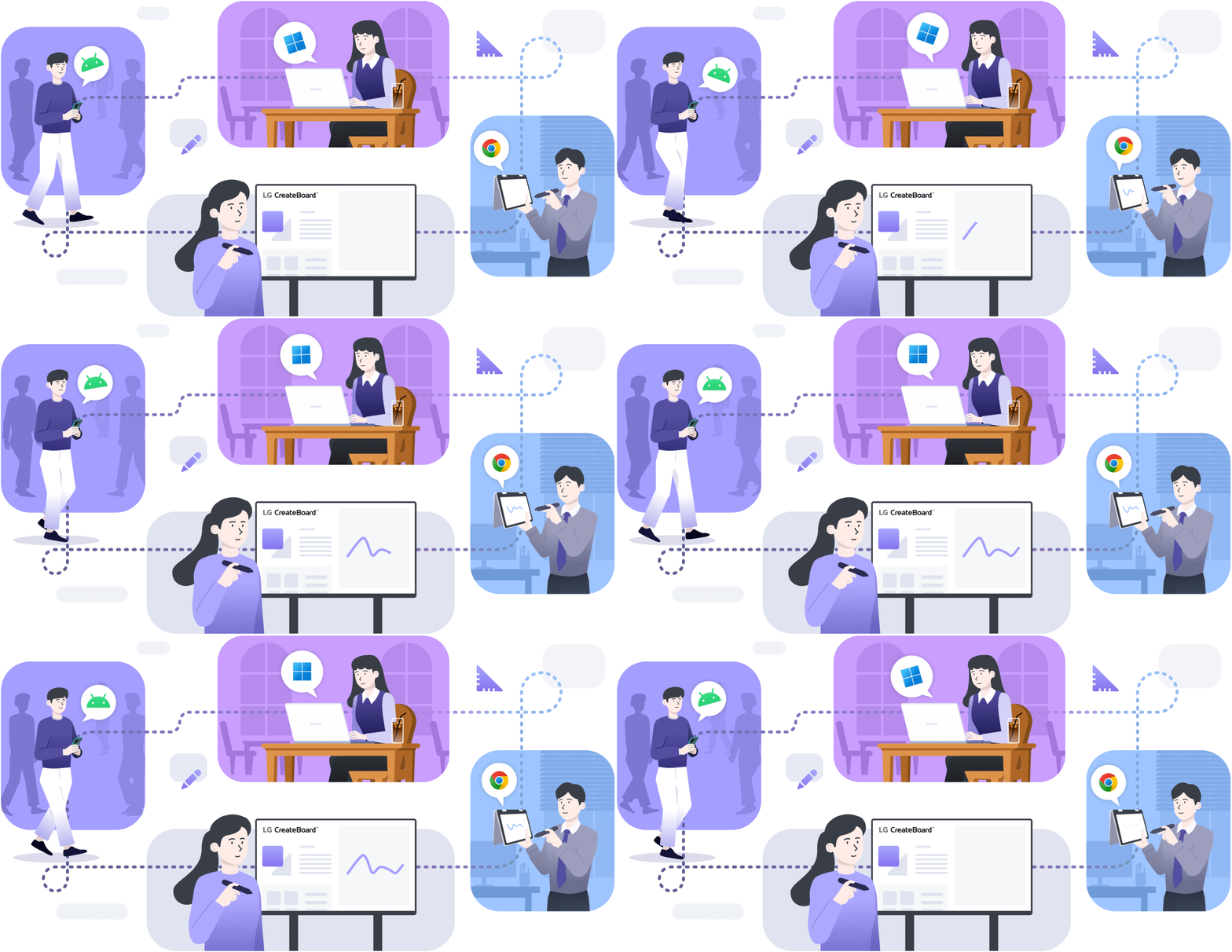
LG CreateBoard Lab is a cloud-based collaboration service built around LG smart board devices. It supports web apps and offers multi-OS support, allowing users to access it from various devices in addition to LG smart boards, anytime and anywhere. This provides users with a consistent experience and enables real-time collaboration with multiple people beyond spatial constraints.
Useful in your classroom
Provides a comprehensive set of tools to facilitate communication on the smart board. You can conveniently use a variety of tools, ranging from traditional ones for drawing shapes or writing text to digital ones such as web browsers and calculators.
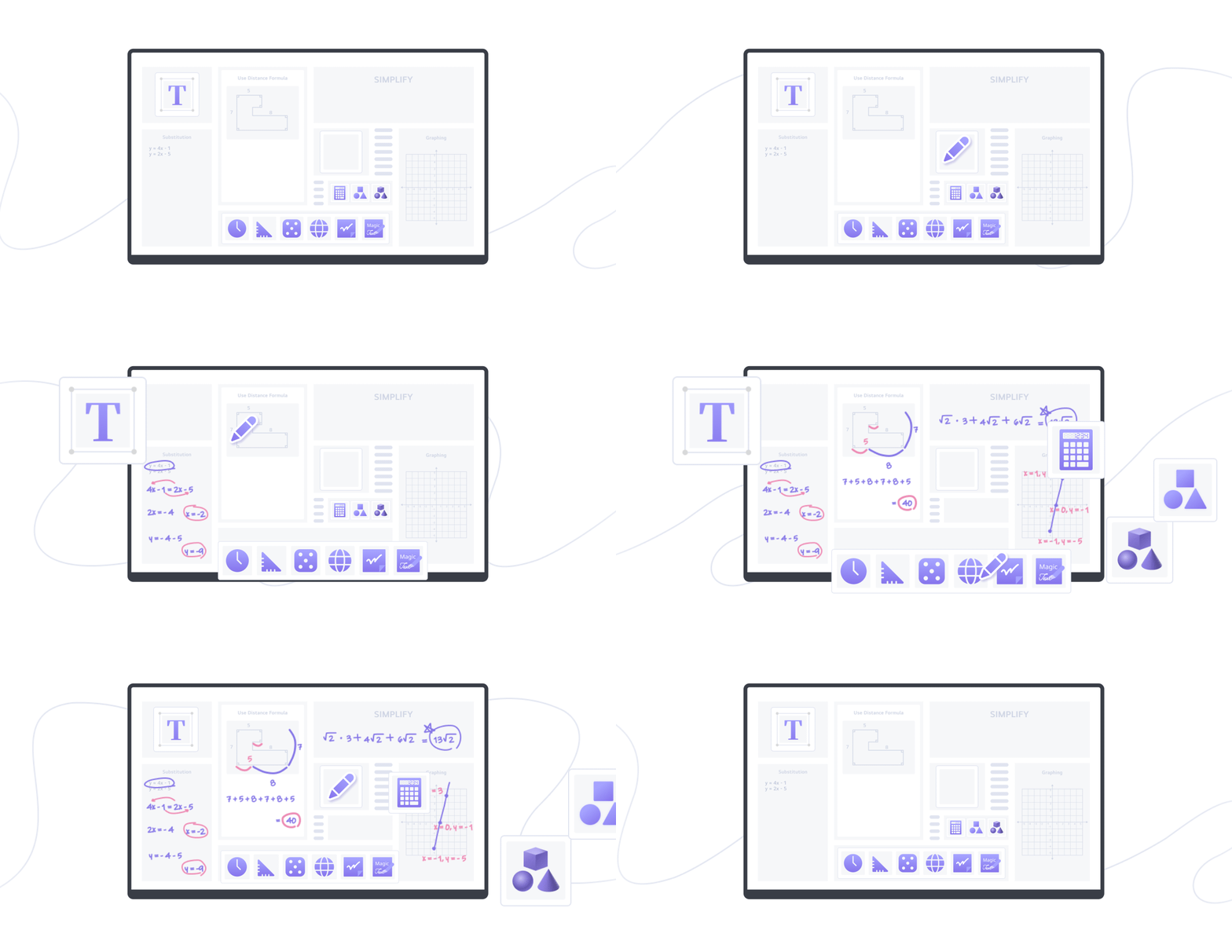
- Shape (2D, 3D), Ruler/Protractor, Table, Sticky Notes
- Utilities (Dice, Spinner, Clock, Calculator)
- Magic Text/Draw/Shape
- Web Browser
Multi-OS support
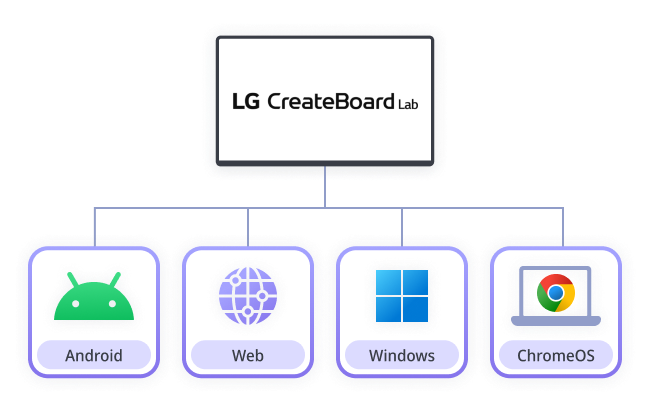
Offers multi-OS support, allowing users to utilize it not only with our smart board products but also with other devices. This enables users to continue their seamless experience on tablets, laptops, and a variety of other devices, even outside of the classroom.
Easy to work with students
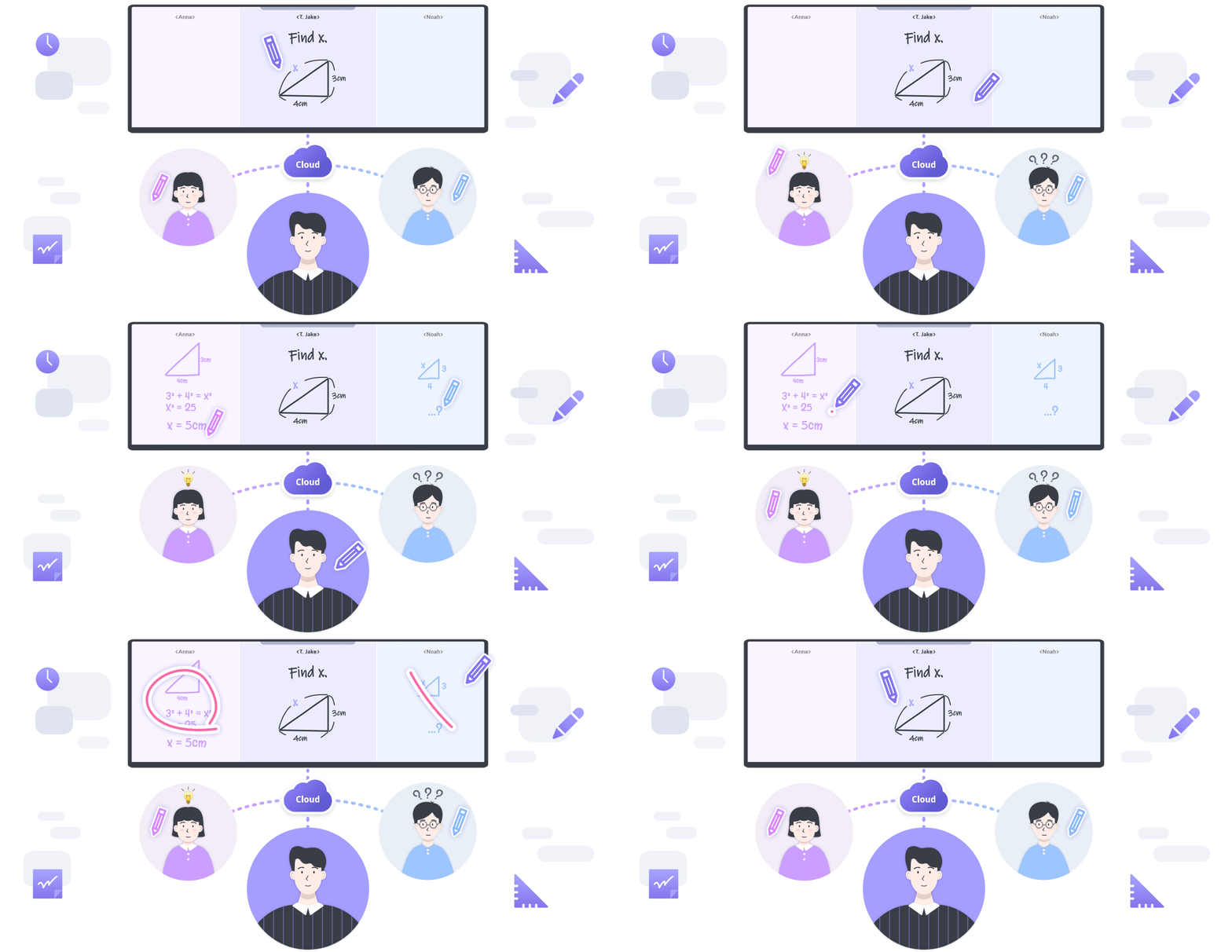
By providing the Collaboration feature, it allows a teacher (host) and students (participants) to share and collaborate with one another on the smart board in real time on the cloud.
Key features
The main features of LG CreateBoard Lab include:
Drawing tool features
- Pen, Highlighter, Magic Pen (Magic Text/Draw/Shape)
- Shape, Ruler/Protractor, Table
- Utilities (Dice, Spinner, Clock, Calculator)
User-convenience features
- Gesture Functions: Select, Undo, Eraser, Select/Pen Mode Change, Move Board, Zoom In/Out
- Next/Previous Page, Play Image Slide, Attention Effect
- Move Toolbar Position: Left/Right/Bottom Areas
- Insert Contents: Image, Video, Audio, Object, Mobile & Camera Uploader
- Web Browser, Sticky Note
Customization features
- Toolbar Customization
- Scroll Direction (Vertical, Horizontal)
- Theme (Light, Dark, Chalkboard)
- Background Templates
Multi-OS support
- Android, Windows 64-bit, ChromeOS
Cloud
- Download/upload files and objects from/to the cloud
Collaboration
- Real-time communication between teachers and students
- Collaboration Modes: Real-Time, Snapshot, Space