Template
Usage & tips
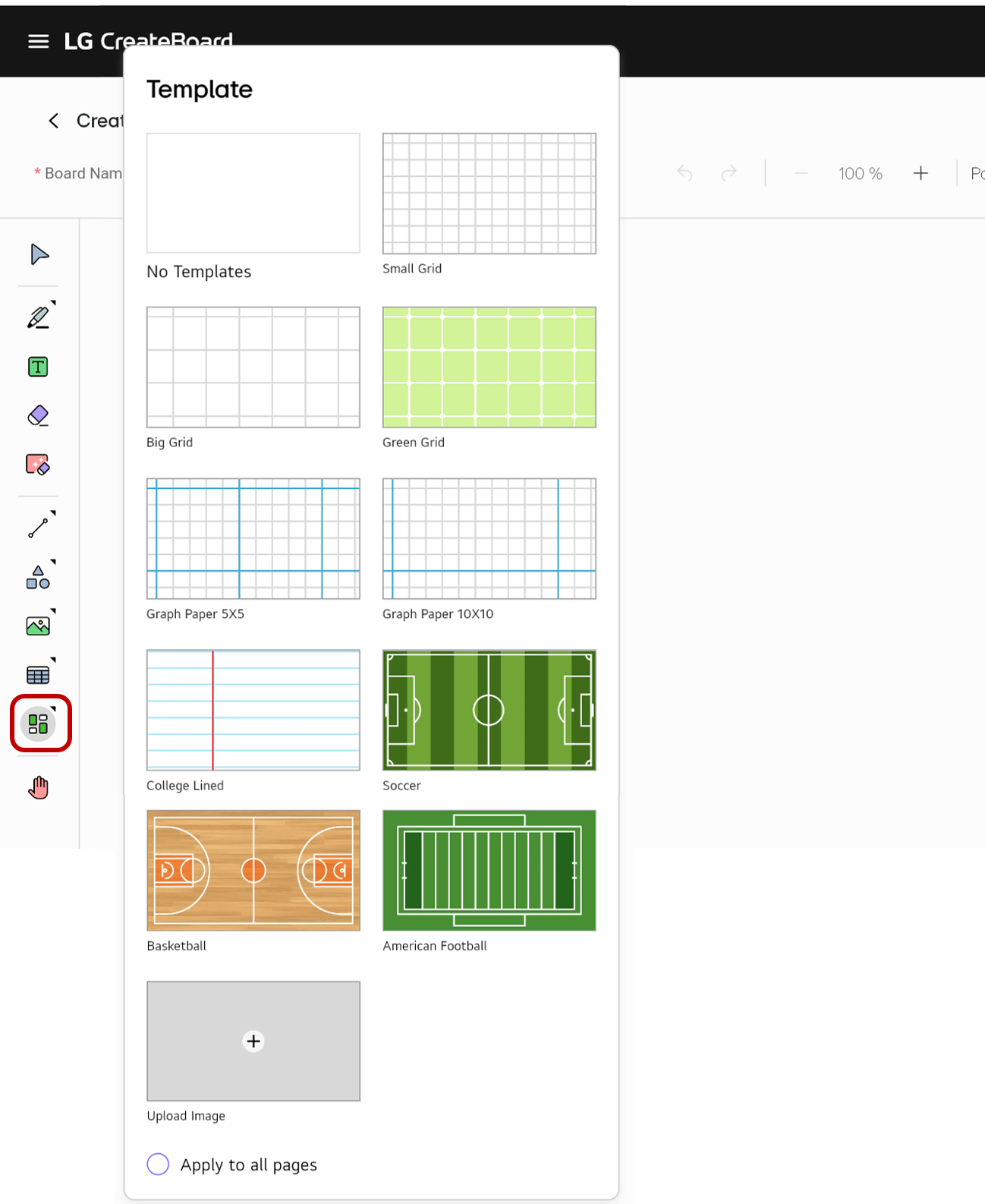
The Template mode allows you to change the background image of the board by using provided template files or uploading an image file of your choice.
How to use
Choose Template in the Tool bar. A template list will appear. Choose the desired template.
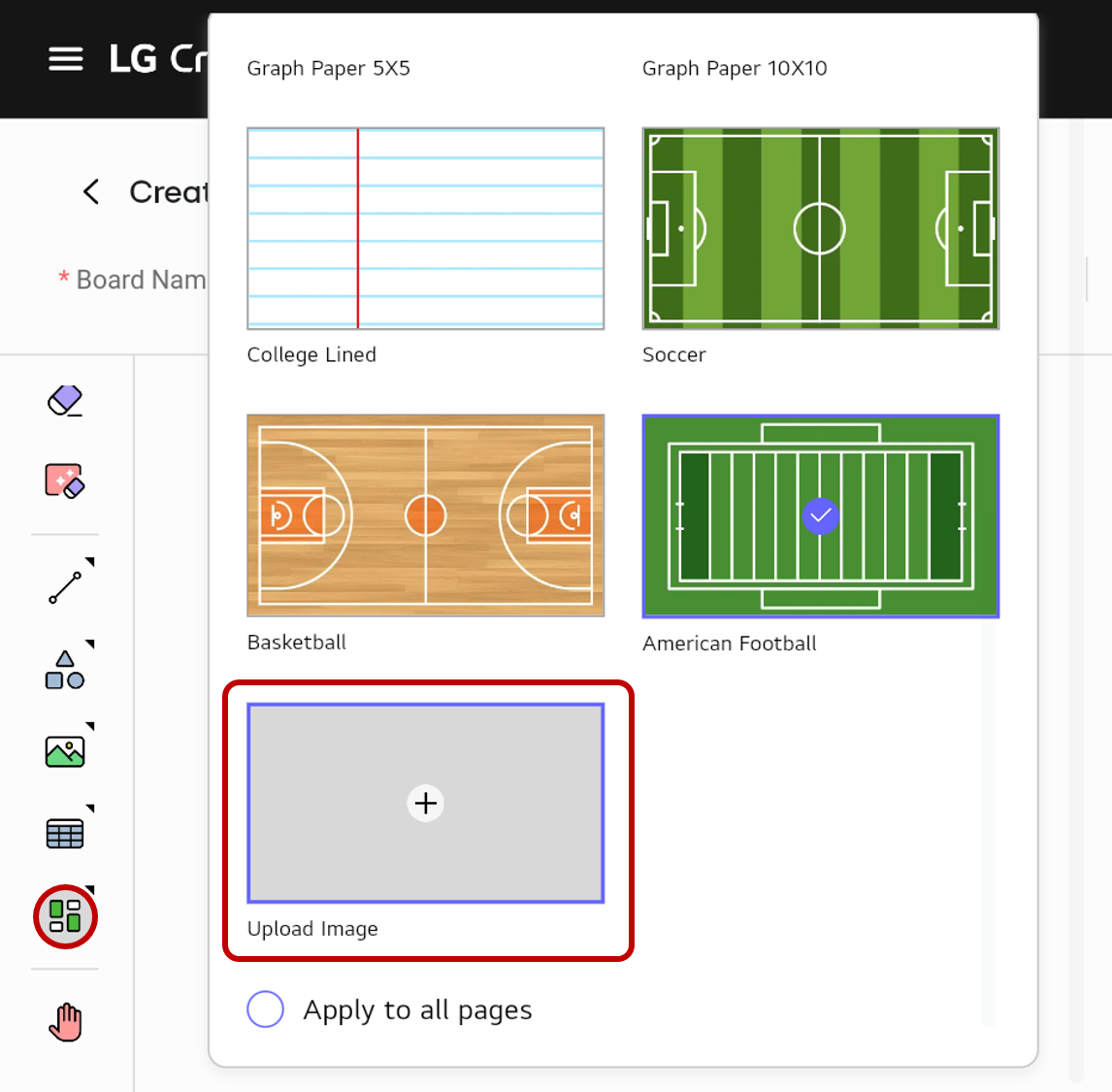
Create the template by uploading an image
If proper template is not available, you can upload an image from local storage to for use as a template.
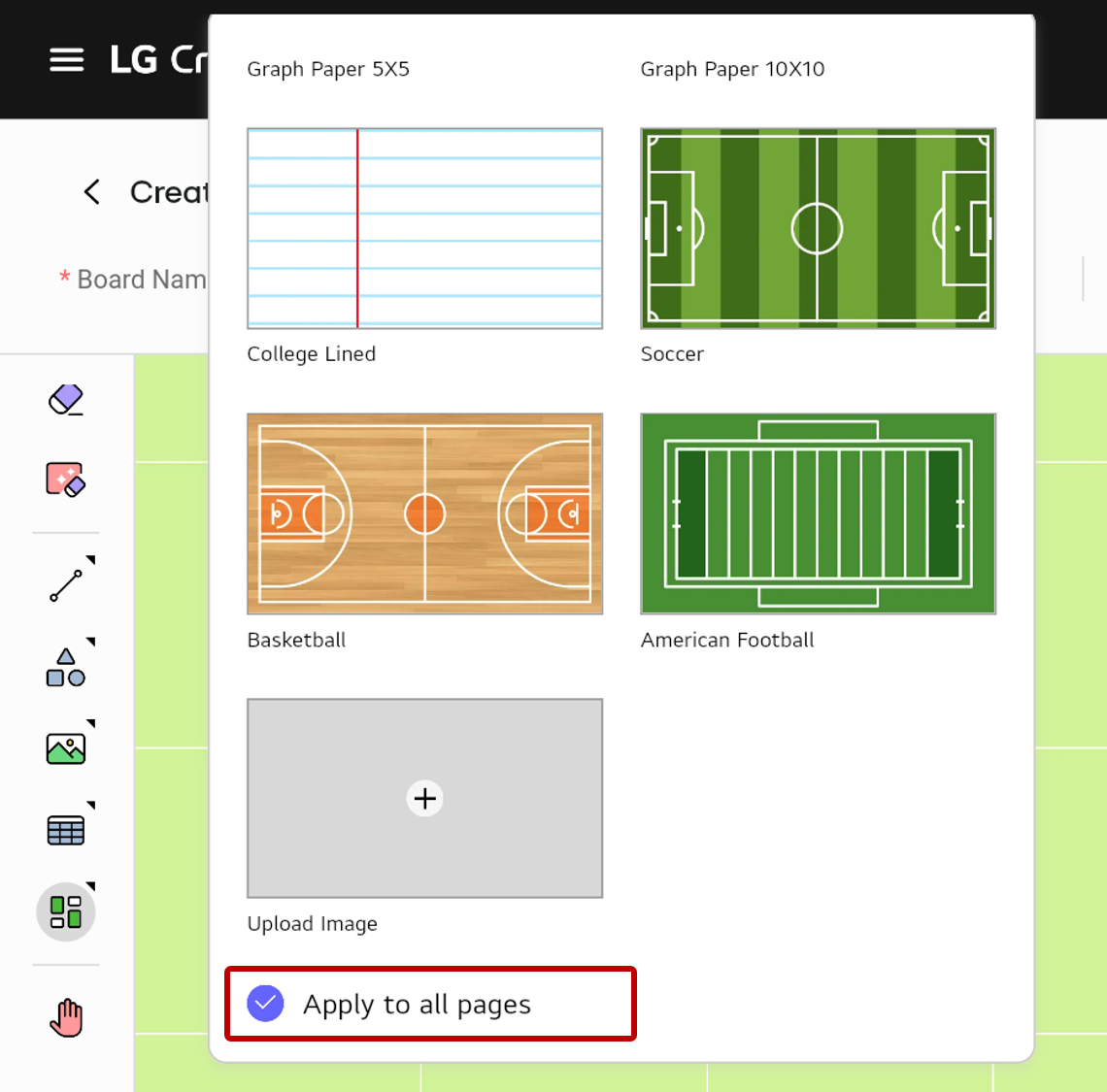
Apply the template to all pages
After selecting a template, check the Apply to all pages option. The template will be applied to all the pages on the board.
🚫
The content of this document may differ from the actual operation of LG CreateBoard Lab and is subject to change without notice.