Launch the App
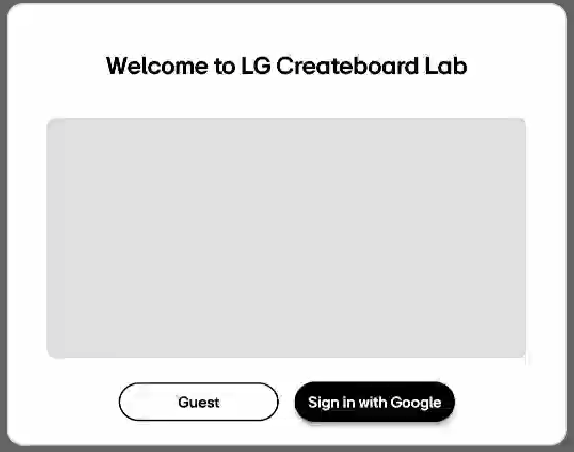
When you first launch LG CreateBoard Lab on a device, a popup menu will appear that allows you to choose either Guest or Sign in. You can use a limited set of the features in the Guest mode without signing in but you can access all the features by signing in.
Start as a guest
Select Guest in the pop-up window that appears as follows when you first run LG CreateBoard Lab app.
Sign in with Google
You can sign in with your Google account. Select Sign in with Google in the pop-up window that appears as follows when you first run LG CreateBoard Lab.
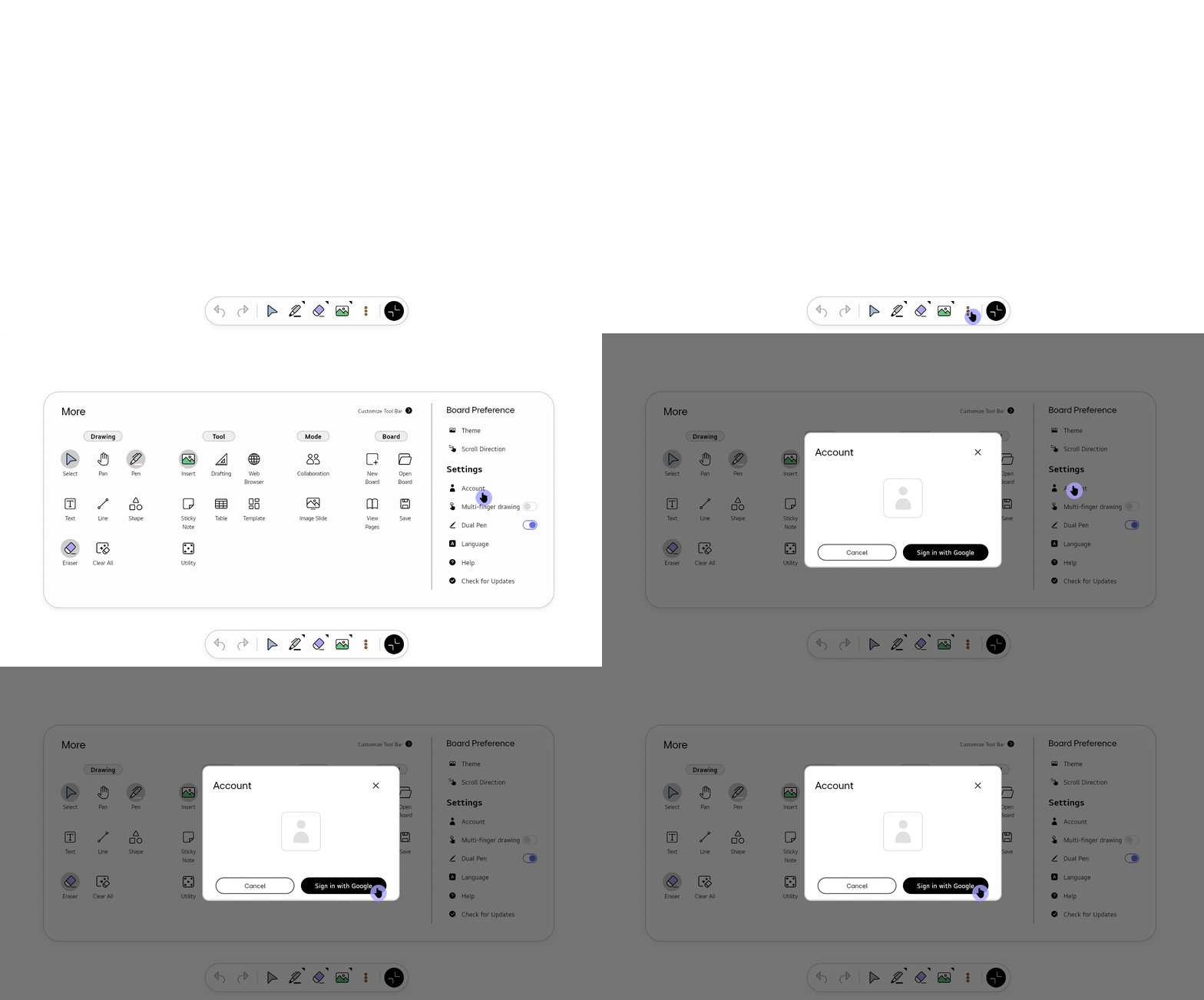
If you want to sign in while using the Guest mode, go to Settings > Account and select Sign in with Google.
Sign in benefits
-
Customized options: You can save your custom settings that can be used on any board within LG CreateBoard Lab. You can also customize the Image Slide.
-
Reusable objects: You can save frequently used objects and reuse them at any time.
-
Collaboration with others: You can use the Collaboration feature that enables you to create a class in the cloud, share boards with multiple users, and carry out interactive classes or meetings.
Collaboration or save files to the cloud, you must sign in.