Pan
How to execute
If the Tool bar already displays the Pan button, you can simply tap it to execute. Otherwise, tap the More button to display the entire menu and then choose Pan.
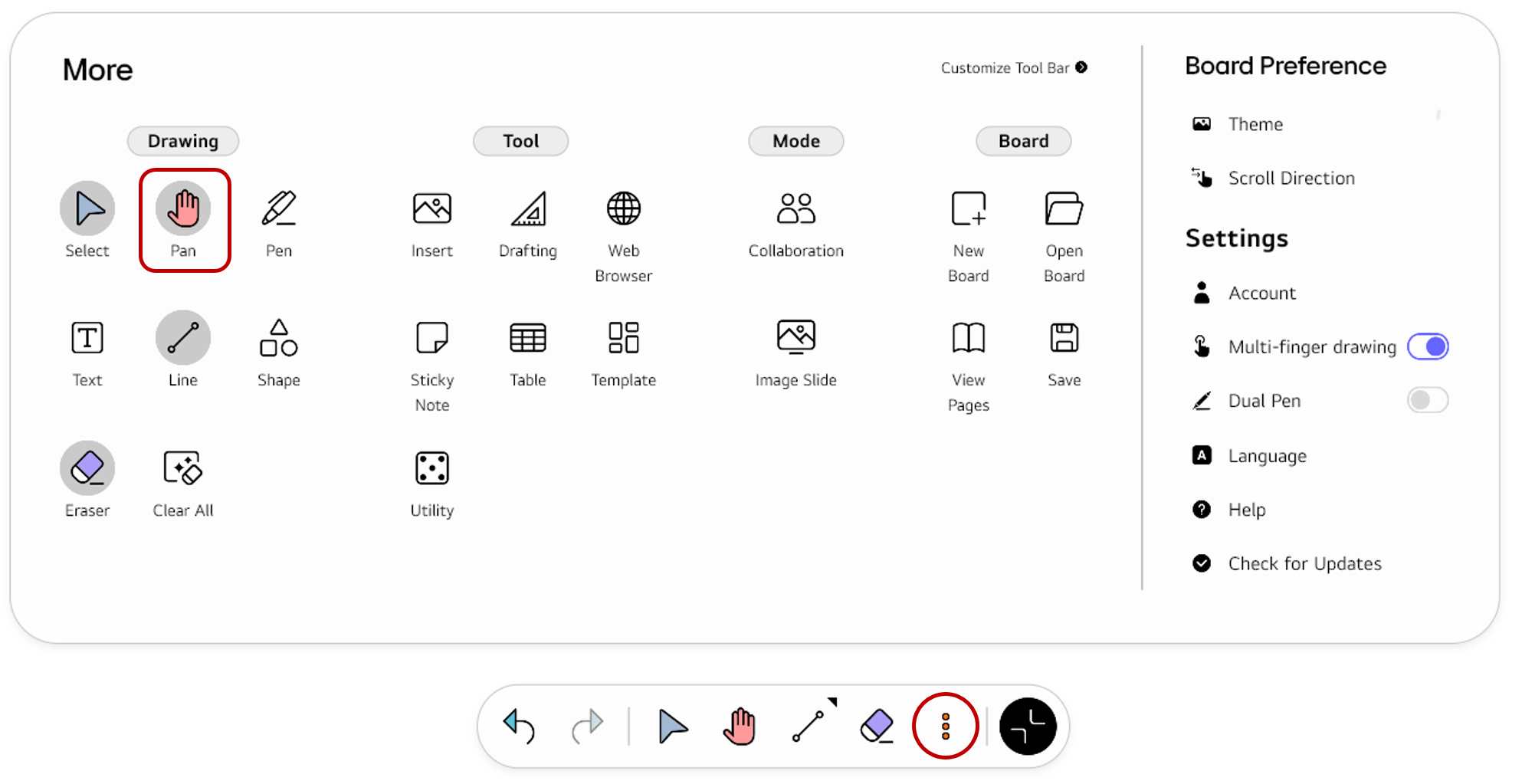
If you frequently use this item, refer to Customize Tool bar to pin it to the Tool bar for easy access.
Usage & tips
Pan mode allows you to scroll along the page by swiping the screen with your fingers.
Set the scroll direction
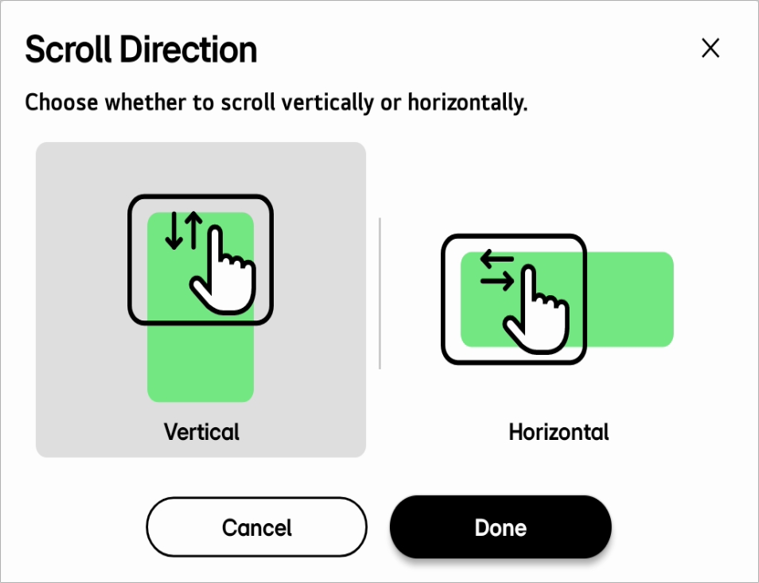
Up/down
You can move a page up and down if the scroll direction is set to Vertical in Tool bar > More > Board Preference > Scroll Direction.
Left/right
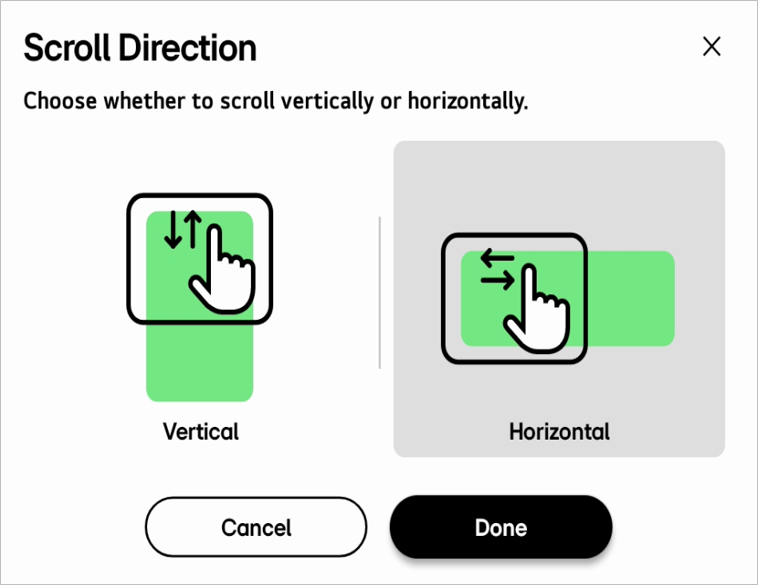
You can move a page left and right if the scroll direction is set to Horizontal in Tool bar > More > Board Preference > Scroll Direction.
🚫
The content of this document may differ from the actual operation of LG CreateBoard Lab and is subject to change without notice.