Drawing
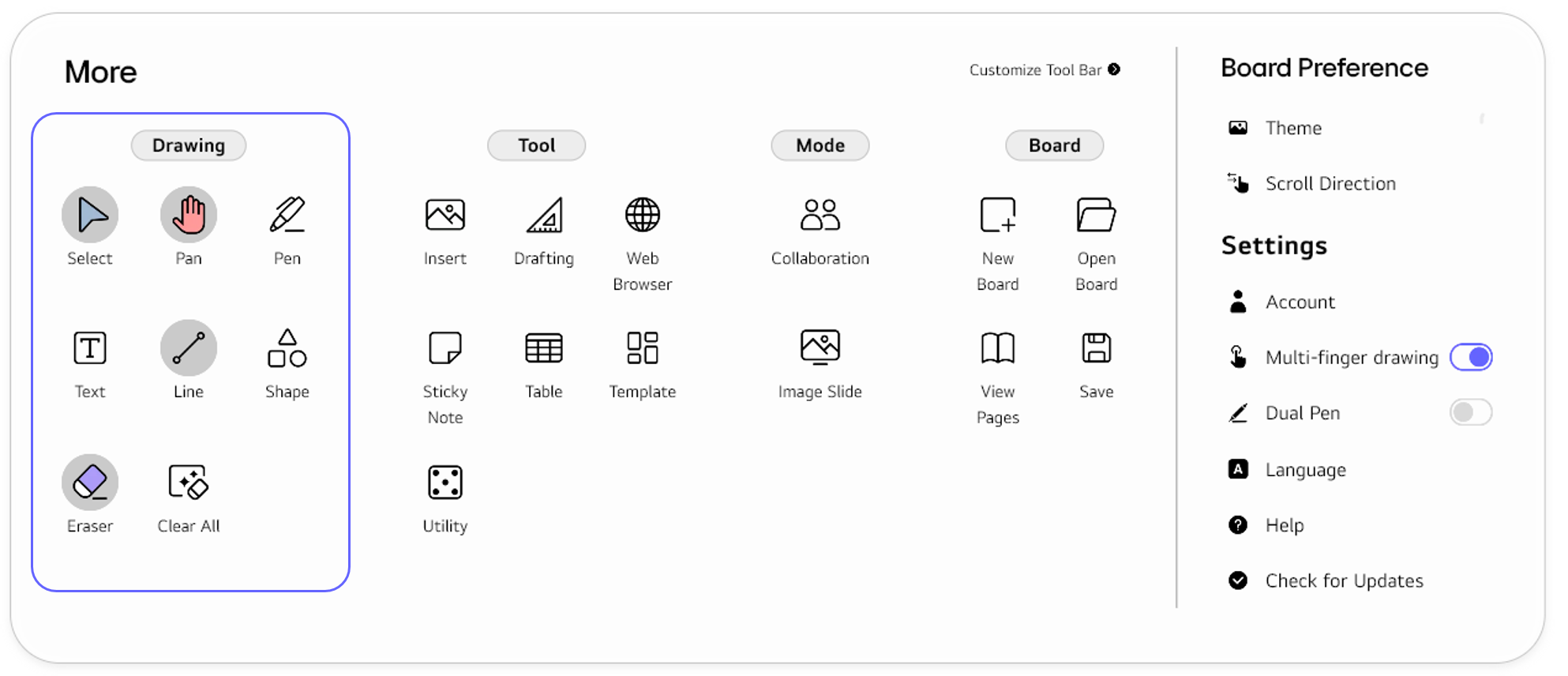
The Drawing section consists of functions for writing or drawing on the board.
| Functions | Description |
|---|---|

|
In select, you can choose an object to move, delete, or modify. For details, refer to Select.
|
|
In Pan, you can scroll horizontally or vertically along the page. For details, refer to Pan.
|
|
In Pen, you can write or draw directly on the board with a pen.
For the details, refer to Pen.
|
|
In Text, you can enter and edit text using a keyboard. For details, refer to Text.
|
|
In Line, you can insert shapes such as circles, triangles, squares, and other polygons. For details, refer to Line.
|
|
In Shape, you can insert shapes such as circles, triangles, squares, and other polygons. For details, refer to Shape.
|
|
In Eraser, you can remove objects drawn in the `Pen` mode. For details, refer to Erase.
|
|
In Clear All, you can delete all objects on the board except for sticky notes. For details, refer to Clear All.
|
🚫
The content of this document may differ from the actual operation of LG CreateBoard Lab and is subject to change without notice.