Mode
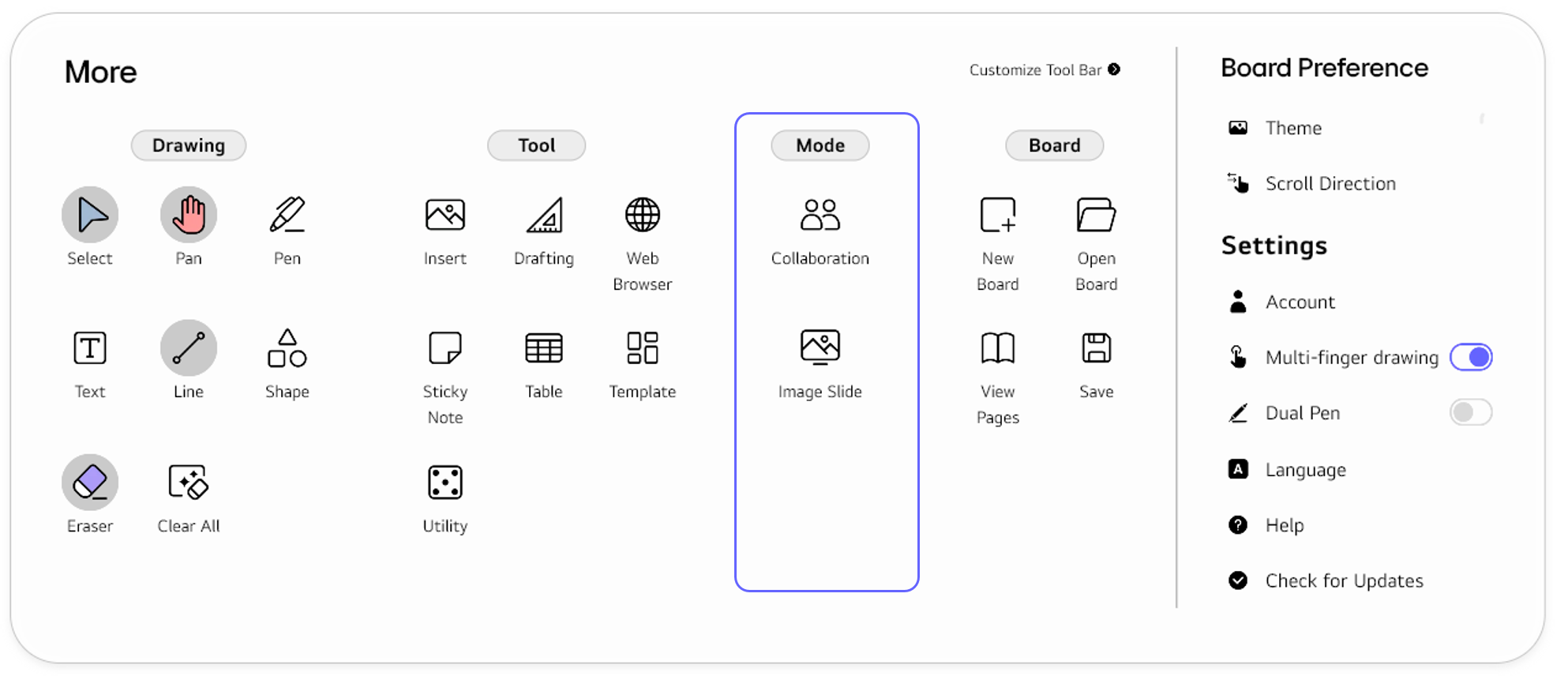
The Mode section features Collabrations and Image Slide.
| Functions | Description |
|---|---|
|
In the Collaboration mode, you can create a class on the cloud with your board, invite other participants, and share the board to collaborate with one another. For details, refer to Collaboration.
|
|
In the Image Slide mode, you can run a slide show with provided images or your desired images to switch the board screen to a screensaver. For details, refer to Image Slide.
|
🚫
The content of this document may differ from the actual operation of LG CreateBoard Lab and is subject to change without notice.