Settings
How to access
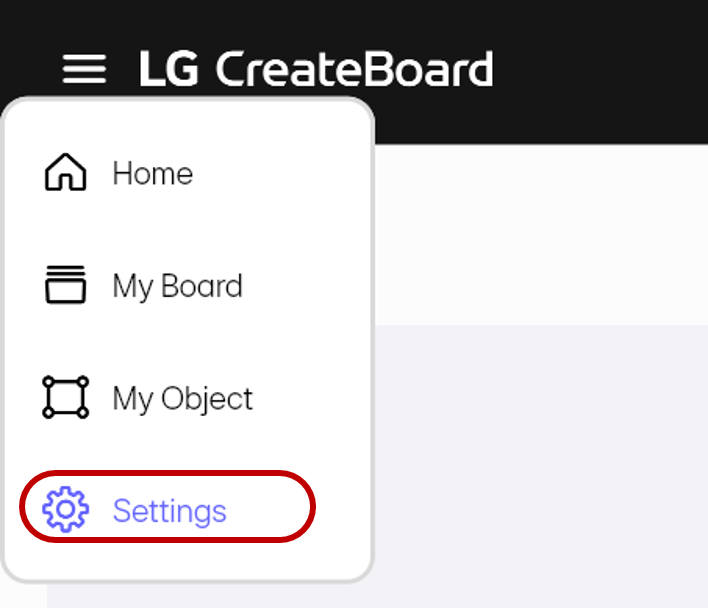
To access the Settings page, open the sidebar by tapping the hamburger button in the top left corner of the screen and then select Settings.
Usage & tips
Account Settings
You can manage your account settings and login/logout status.
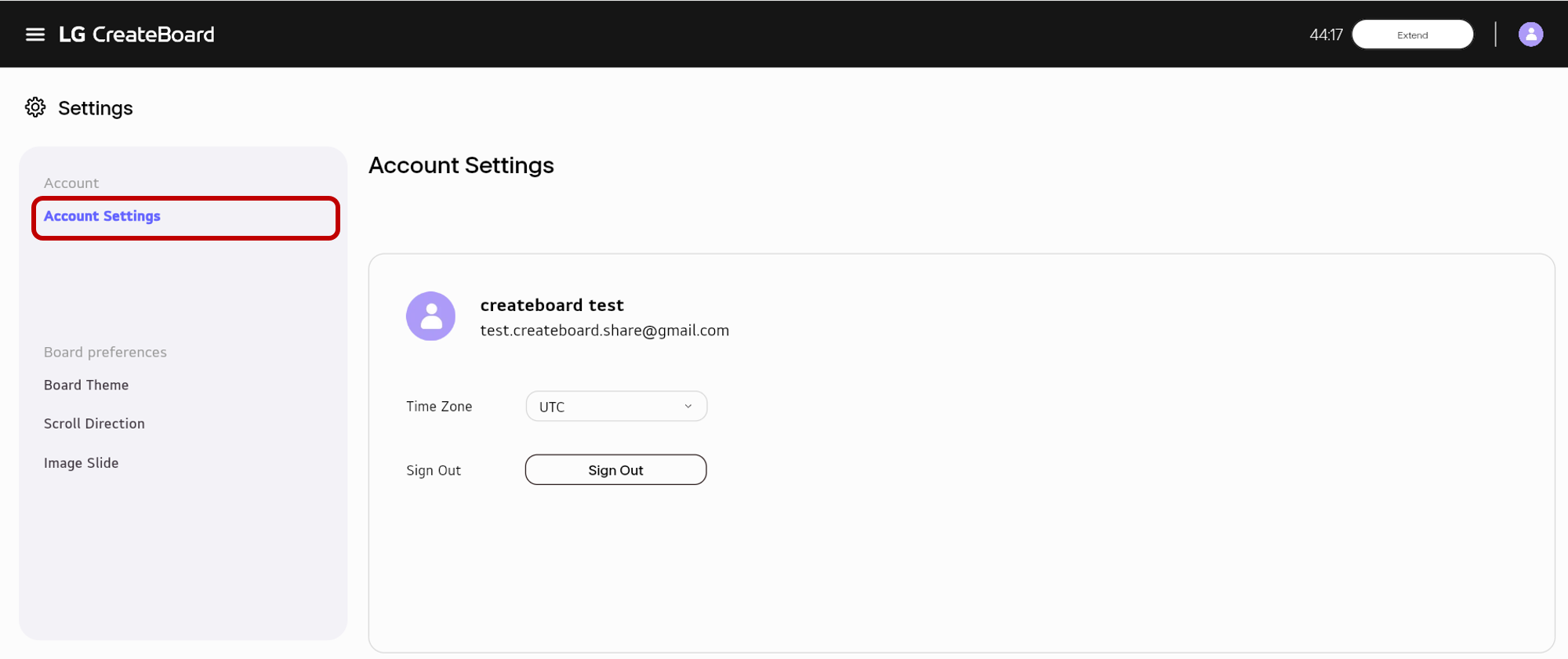
- You can check your account Information.
- You can set your time zone.
- You can sign in or out
Board Preference
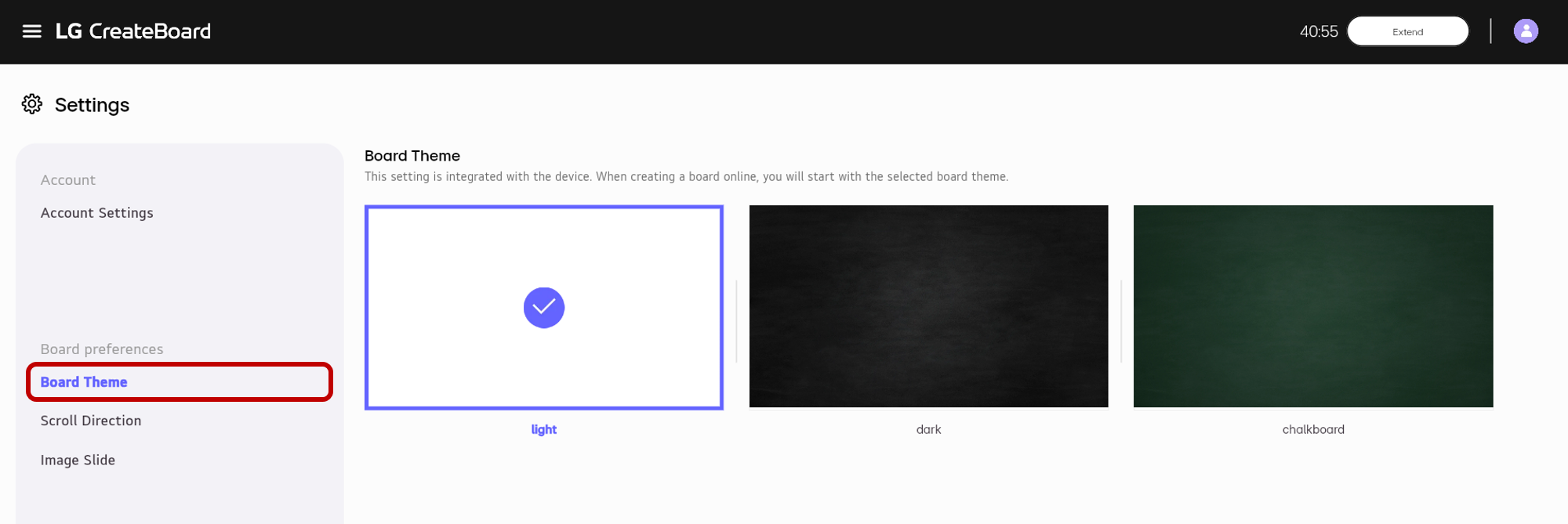
Board Theme
You can change the board’s background color.
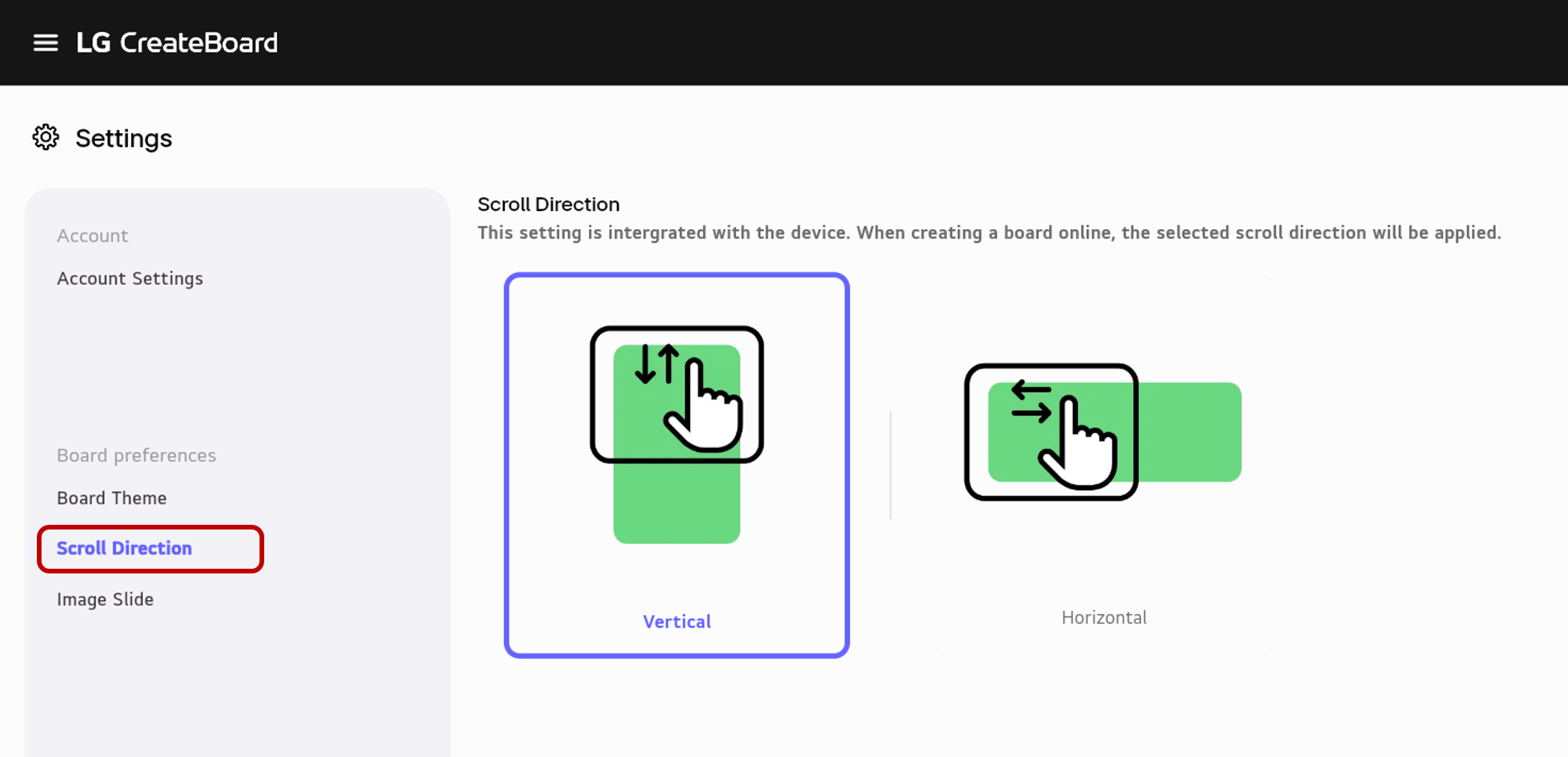
Scroll Direction
You can set the scrolling direction on the board to either vertical (up/down) or horizontal (left/right). This setting also influences the direction in which pages are added. When set to Vertical, pages are added downward, and when set to Horizontal, pages are added rightward.
Vertical
Select Scroll Direction and set it to Vertical.
Horizontal
Select Scroll Direction and set it to Horizontal.
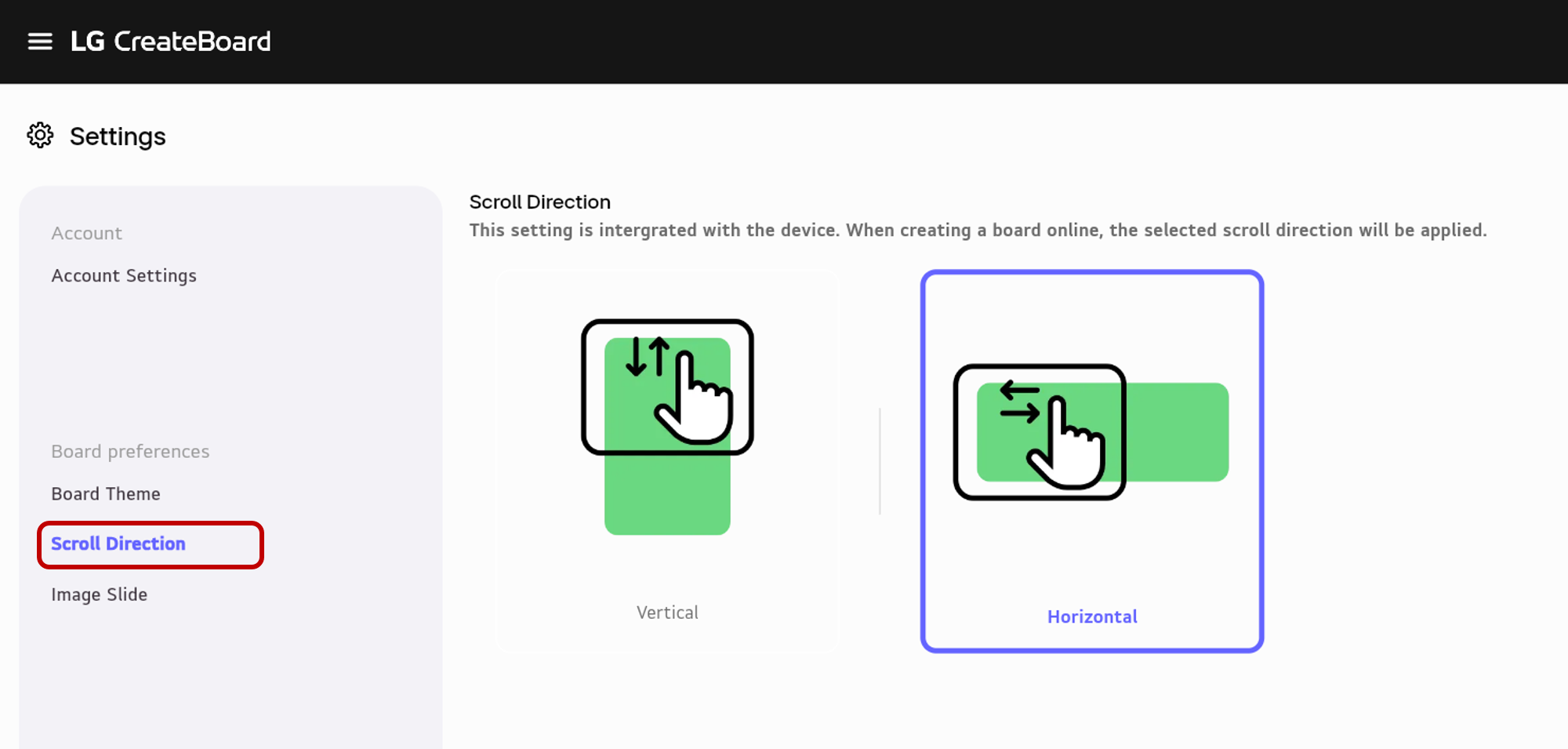
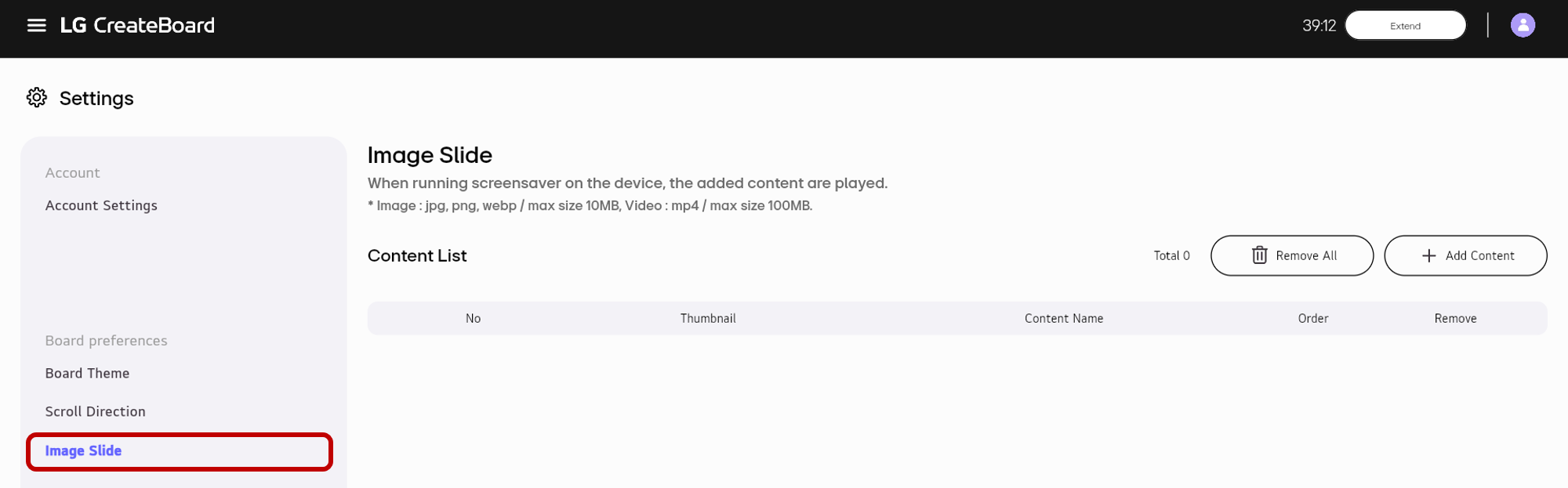
Image Slide
You can configure images used when running the Image Slide mode (screensaver mode) on the device. You can customize the image slide by uploading image files from your local storage. If no images are uploaded, the image slide will play using the default images on the device.