Line
Usage & tips
The Line mode allows you to insert various types of lines, including straight, dashed, and more.
How to use
Choose Line in the Tool bar. A menu appears where you can set the type and width of the line. Choose its type and width as you want.
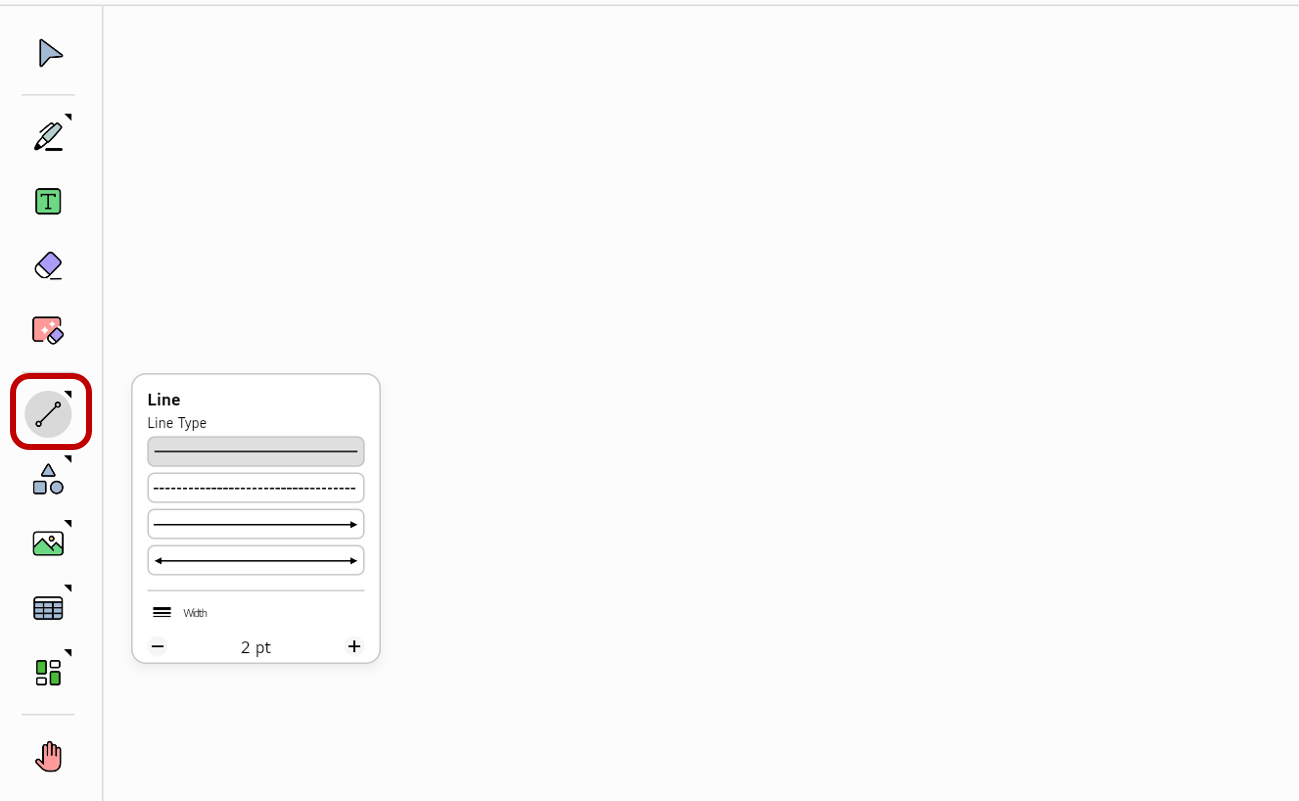
Drag without pause from one point on the board to another. A line object will be created on the board.
Modify the object options
You can open the Options menu for an object and edit its properties.
-
Make sure that
Selectis chosen in the Tool bar. -
Tap an object. The Options menu will appear.
-
Modify the object’s properties as desired.
For the object created with the Line mode, the following Options menu appears.
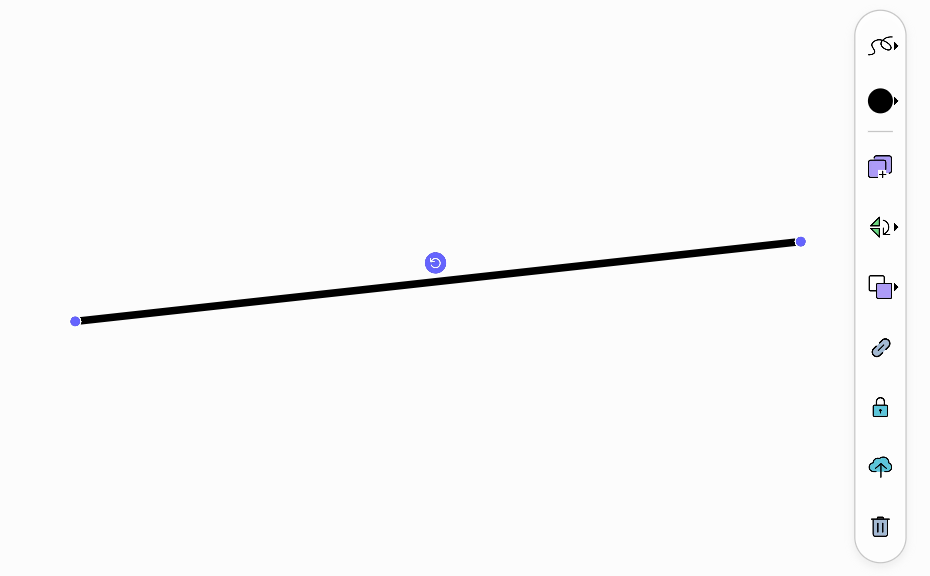
Line object options
The options only for line objects are as follows.
| Icon | Options | Description |
|---|---|---|

|
Line Type |
Select Line Type and adjust the width of the line.
|

|
Line Color |
Set the color of the line. |
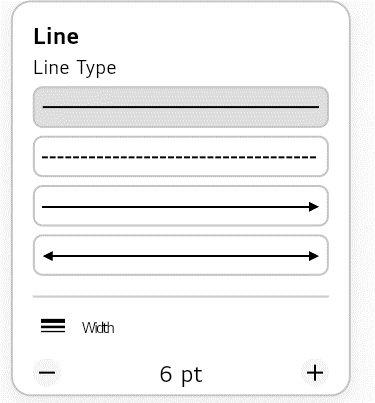
Common options
For descriptions of the other options, refer to the Options menu.