Available Gestures
Discover the gestures available in LG CreateBoard Lab and How to use them.
Drawing
Action |
Gesture |
Description |
|---|---|---|
Select |
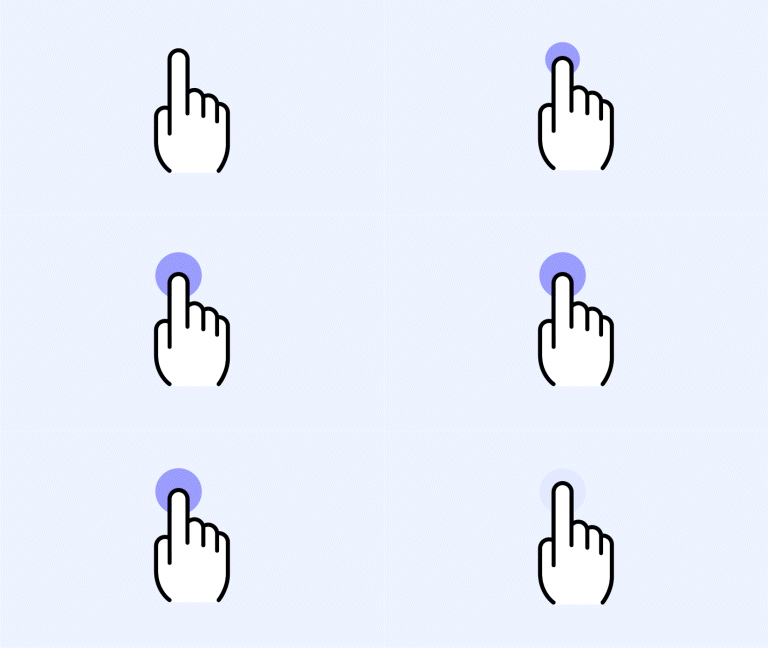
|
Long Press |
Undo |
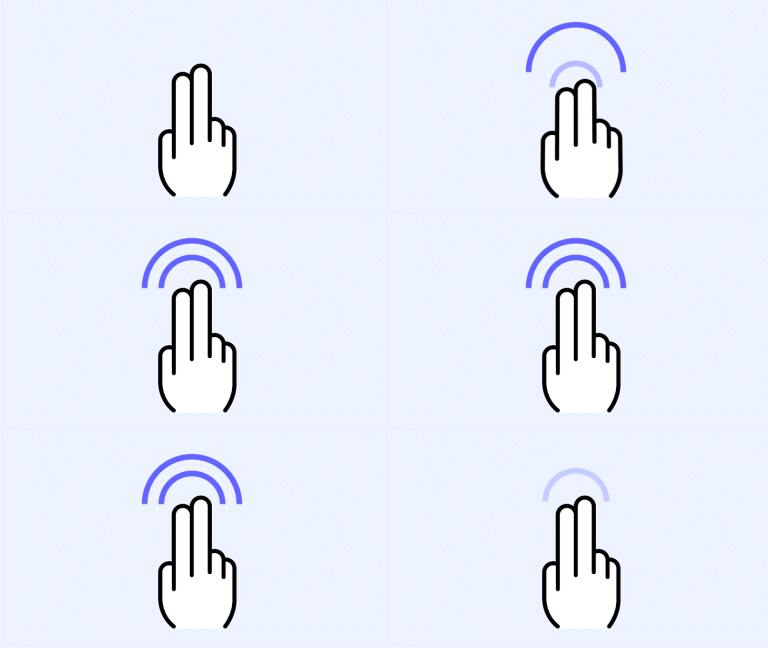
|
2 Finger Double Tap |
Eraser |
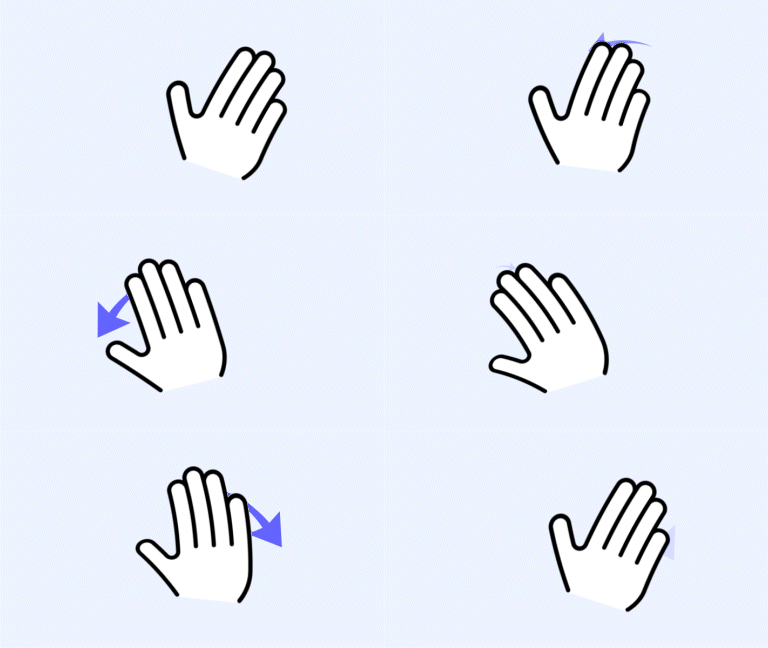
|
Palm |
Select/Pen Mode Change |
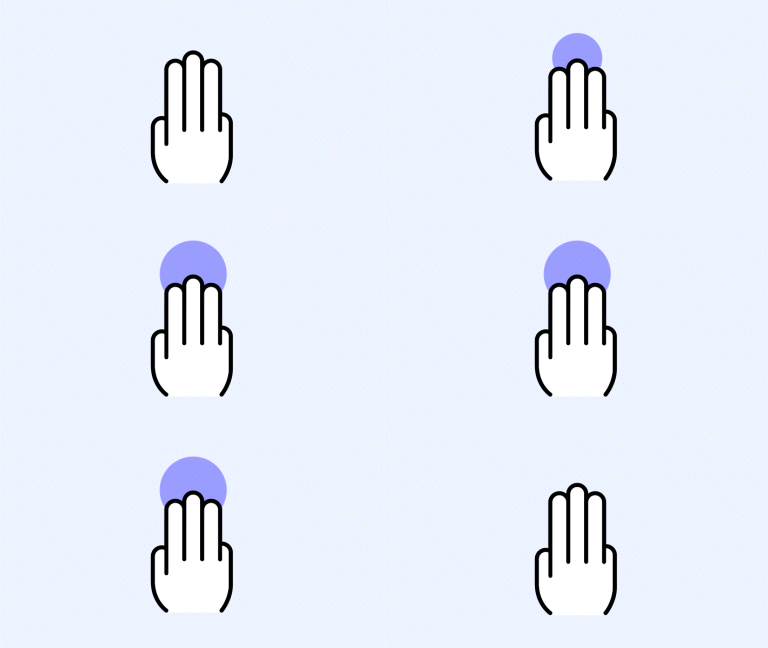
|
3 Finger Long Tap |
Board
| Action | Gesture | Description |
|---|---|---|
| Move Board | 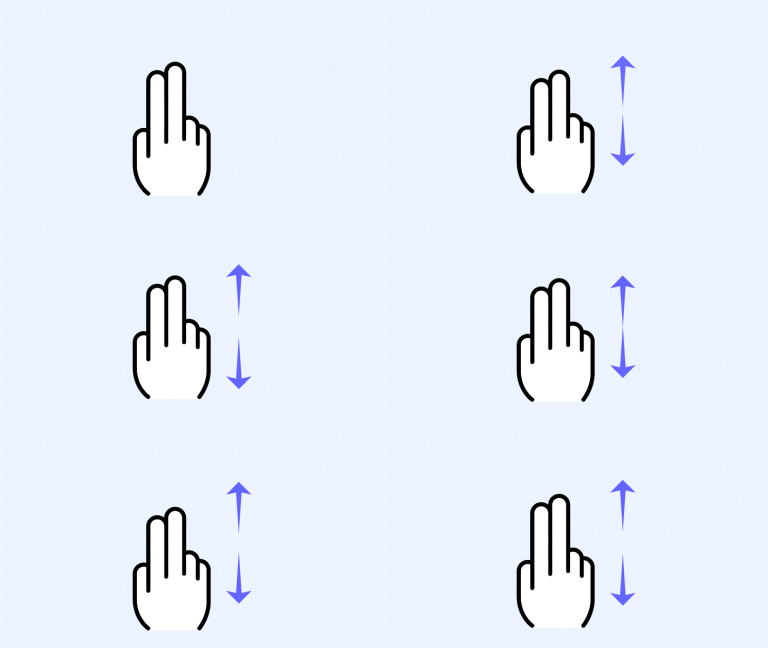
|
2 Finger Drag |
| Zoom In | 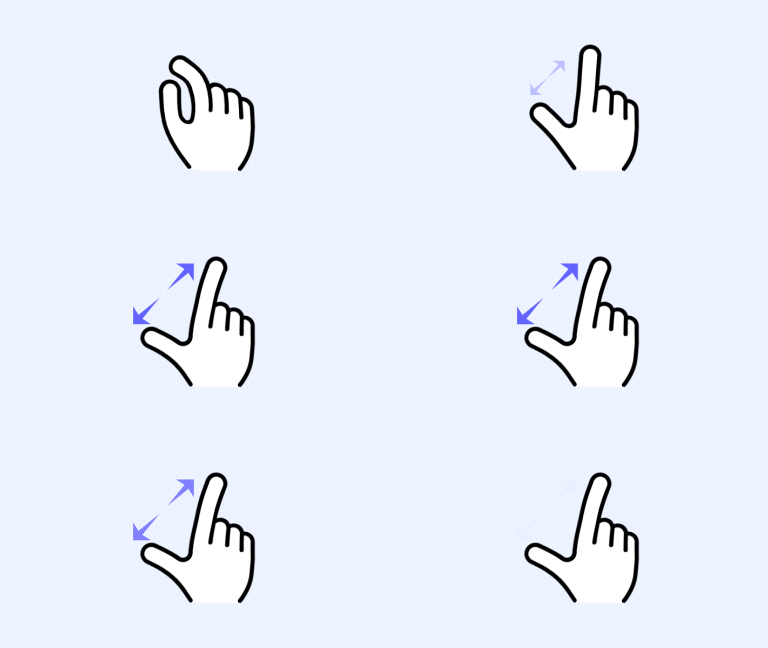
|
Pinch In |
| Zoom Out | 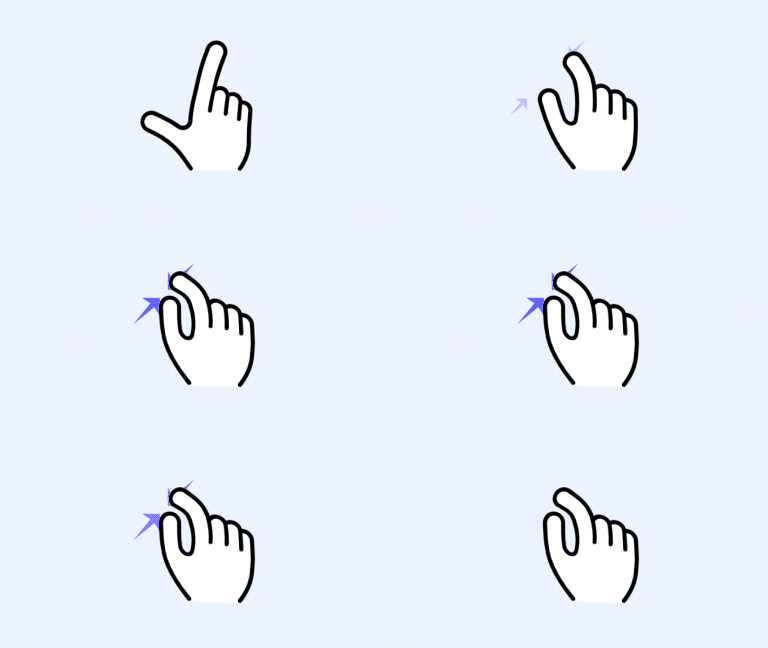
|
Pinch Out |
Page
| Action | Gesture | Description |
|---|---|---|
| Next Page | 
|
3 Finger Swipe (If your scroll direction is set to vertical, swipe down. If your scroll direction is set to horizontal, swipe right.) |
| Previous Page | 
|
3 Finger Swipe (If your scroll direction is set to vertical, swipe up. If your scroll direction is set to horizontal, swipe left.) |
Etc.
| Action | Gesture | Description |
|---|---|---|
| Play Image Slide | 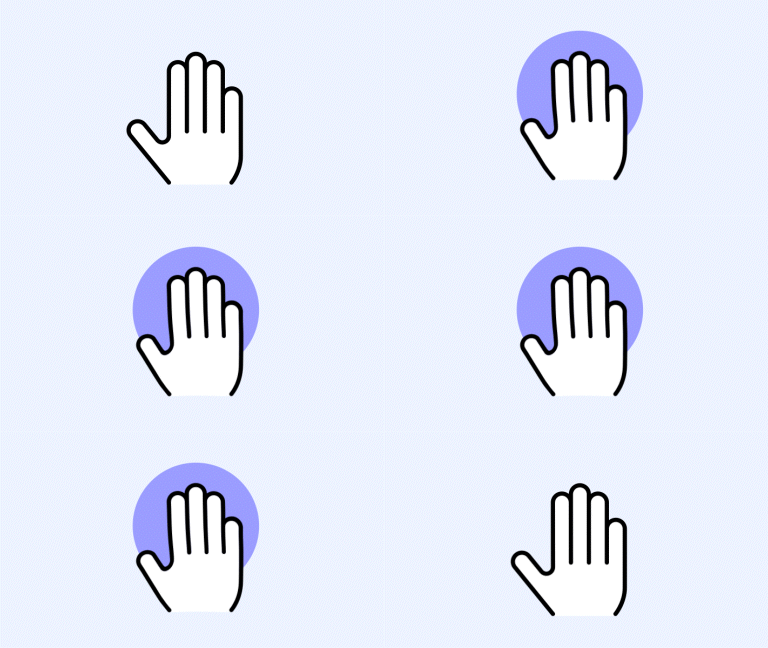
|
5 Finger Long Press for 3 Seconds |
| Attention Effect | 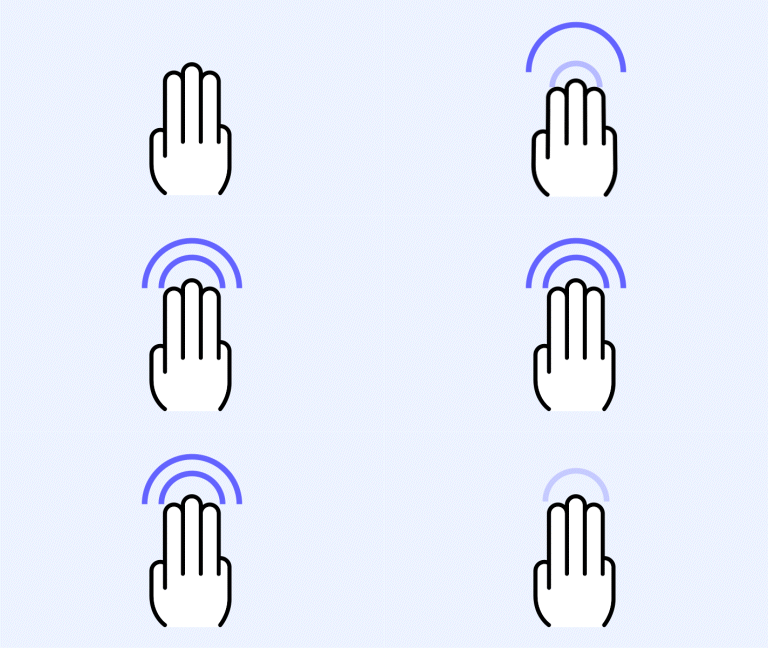
|
4-5 Finger Double Tap |
🚫
The content of this document may differ from the actual operation of LG CreateBoard Lab and is subject to change without notice.